Managing Contacts
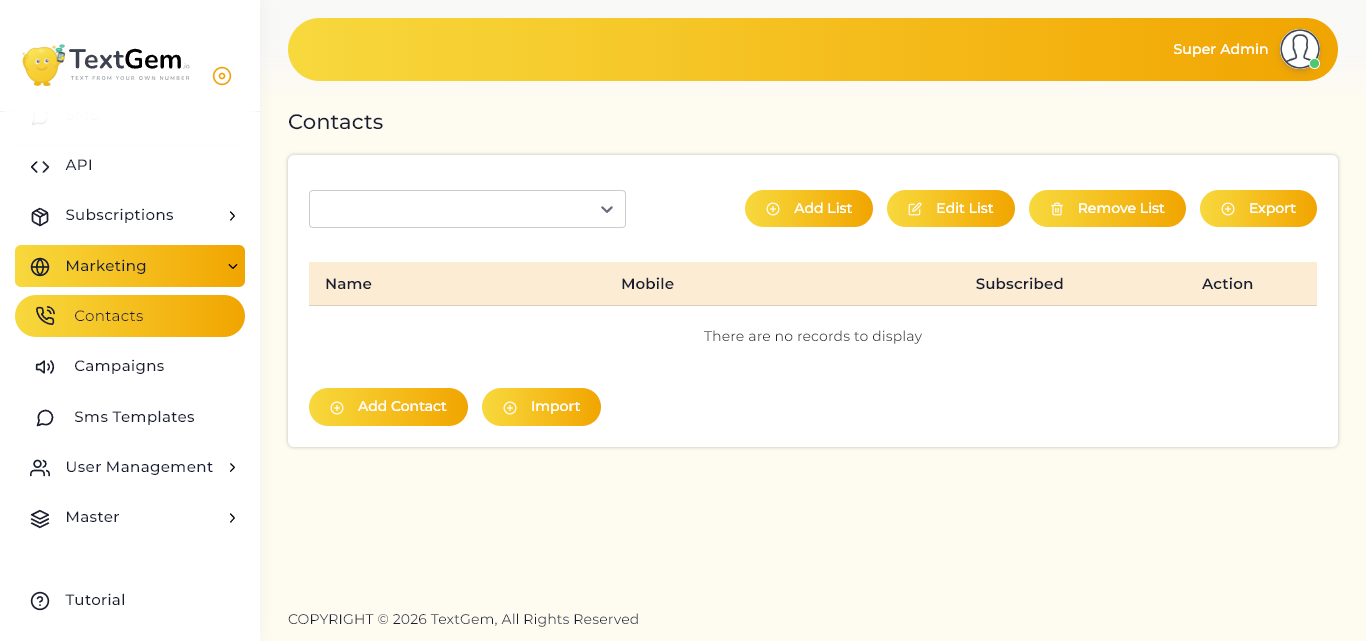
Managing Contacts Overview
The Contacts page serves as a centralized location for managing your SMS recipients. Contacts can be grouped into lists, making it easier to target specific audiences when creating marketing campaigns.
Using contact lists helps streamline campaign management and ensures messages are sent to the correct recipients.
Contact Lists
Contacts are organized into lists that can represent different customer groups, departments, or campaign audiences.
Features
Use the drop-down list at the top of the page to switch between available contact lists.
Add a Contact List
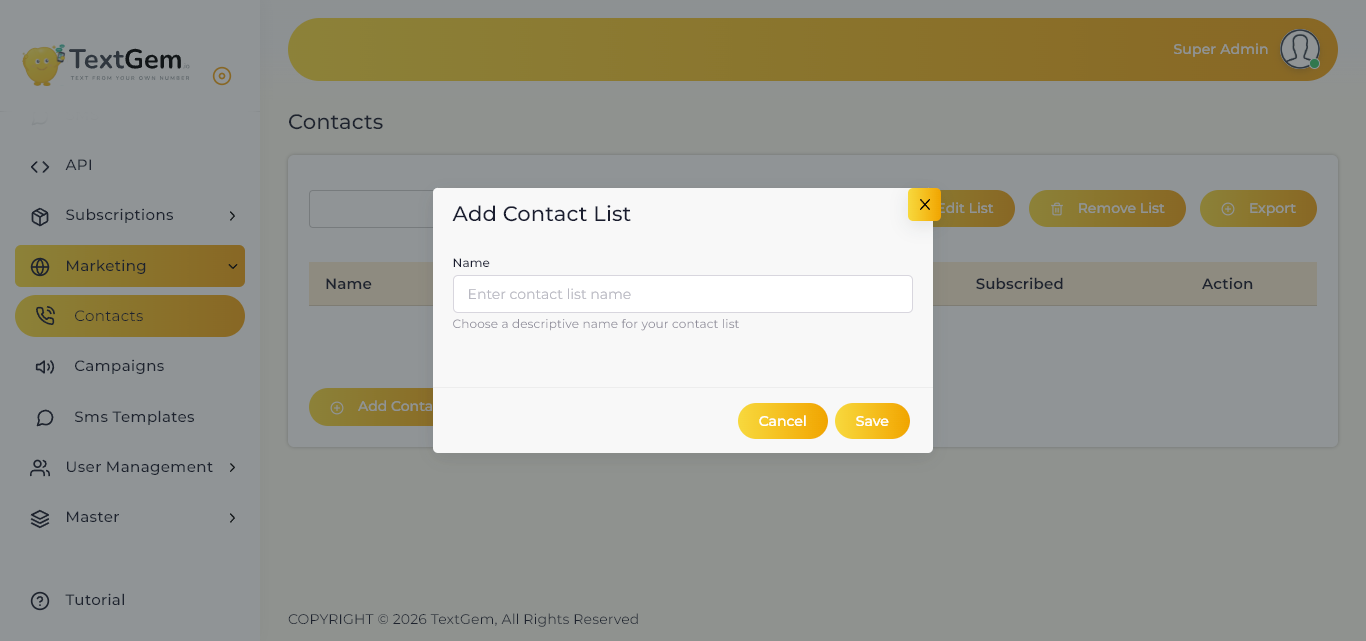
To create a new contact list:
The newly created list will become available for adding contacts.
Edit a Contact List
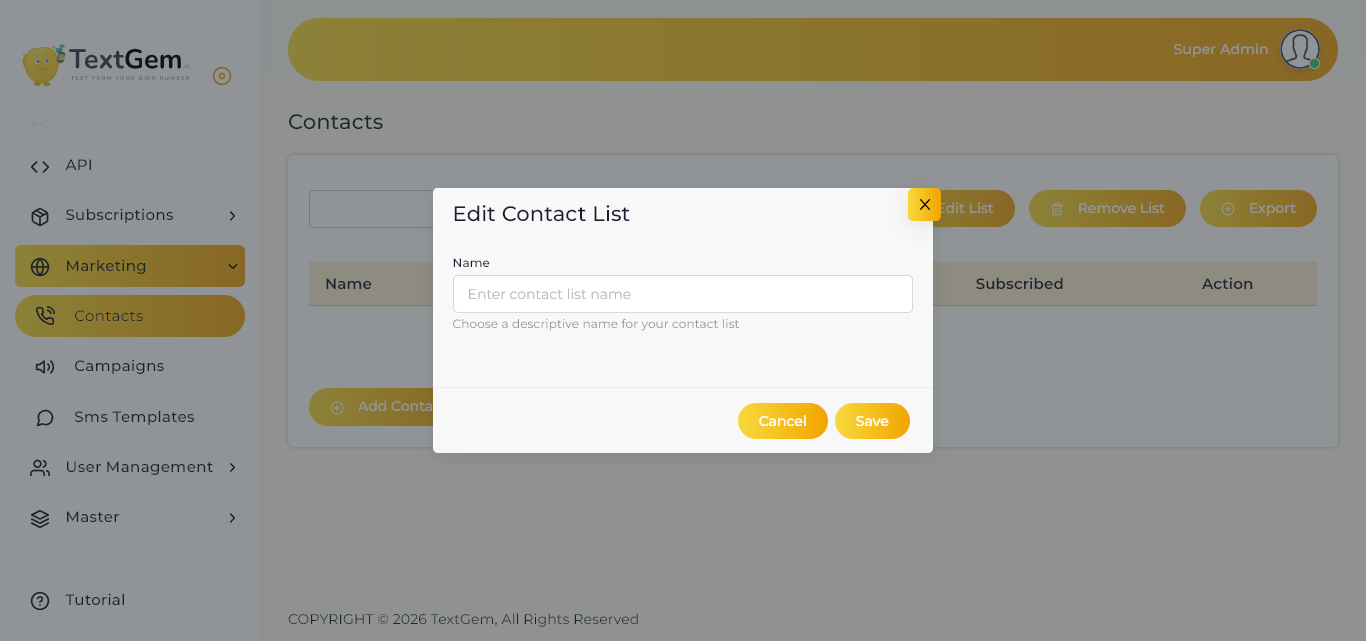
If you need to rename or update an existing list:
Remove a Contact List
To Remove a List
Note: Removing a contact list may also remove the contacts associated with that list, depending on your system configuration.
Add Individual Contacts
To manually add a new contact:
Typical contact information includes:
Import Contacts
For large recipient groups, contacts can be imported in bulk.
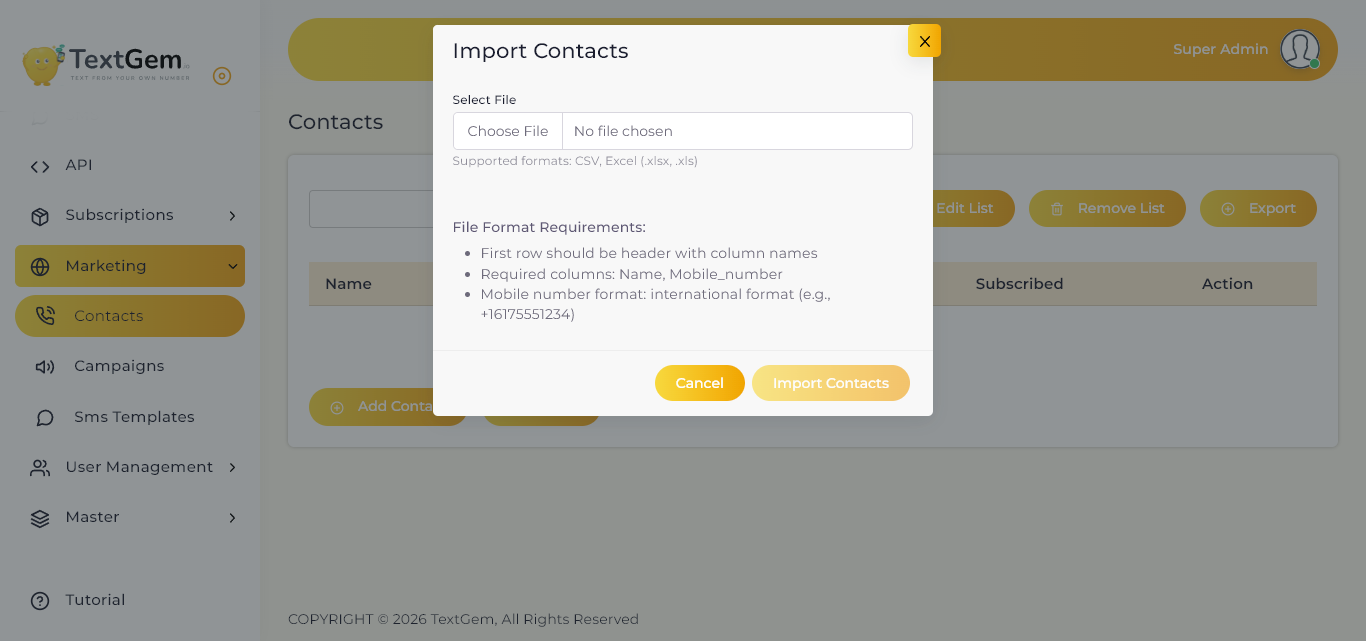
To Import Contacts
Bulk import saves time when adding multiple contacts at once.
Export Contacts
Use the Export button to download contacts from the selected list.
Benefits
Contact Information
The contact table displays important information for each recipient.
Available Columns
From this table, administrators can review and manage individual contact records.