Guide
SMS Templates
The SMS Templates page allows administrators to create and manage reusable message formats. Templates help save time when sending frequently used messages such as promotional offers, reminders, confirmations, alerts, and customer updates.
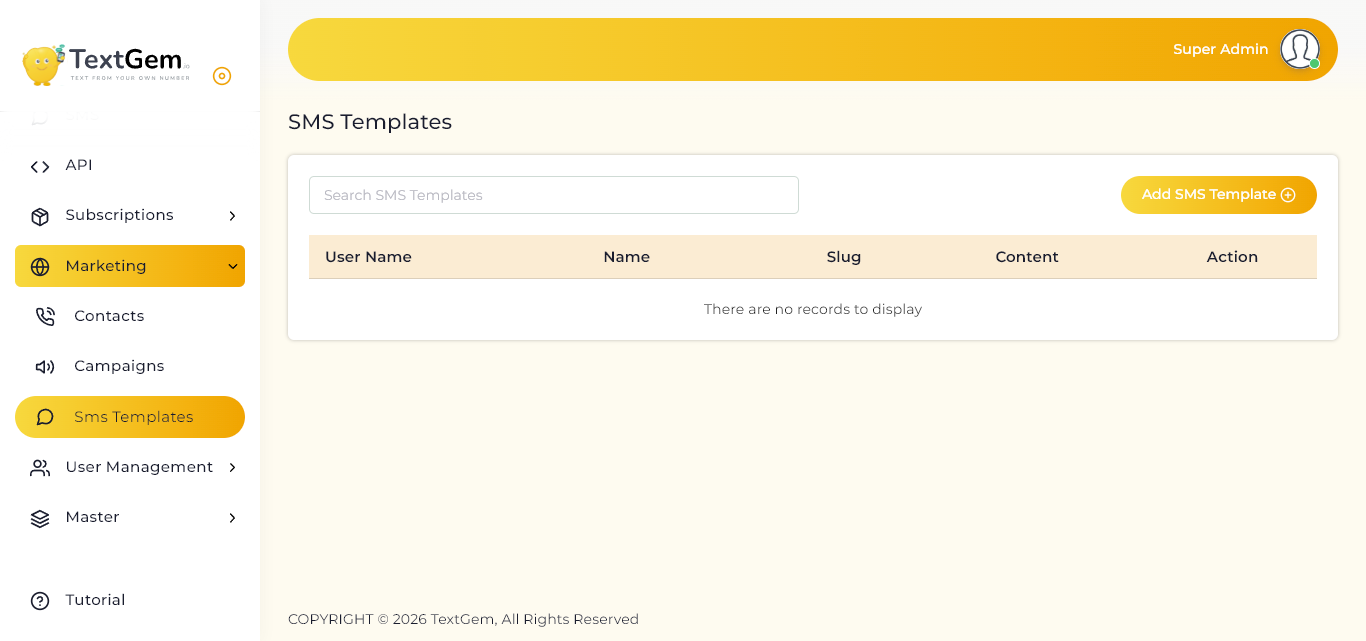
SMS Templates Overview
Instead of writing the same message repeatedly, you can save it as an SMS template and reuse it whenever needed. Each template includes a name, a unique slug, and the message content.
The template list displays all saved templates along with the user who created them.
Viewing SMS Templates
The SMS Templates table displays the following information:
User Name — The user associated with the template.
Name — The template name used for identification.
Slug — A unique reference name for the template.
Content — The saved SMS message text.
Action — Options to manage the template.
If no templates have been created, the page displays a message indicating that there are no records available.
Searching SMS Templates
Use the Search SMS Templates field to quickly find a specific template.
Click the search field.
Enter the template name, slug, or related keyword.
Matching templates will appear in the list.
Adding an SMS Template
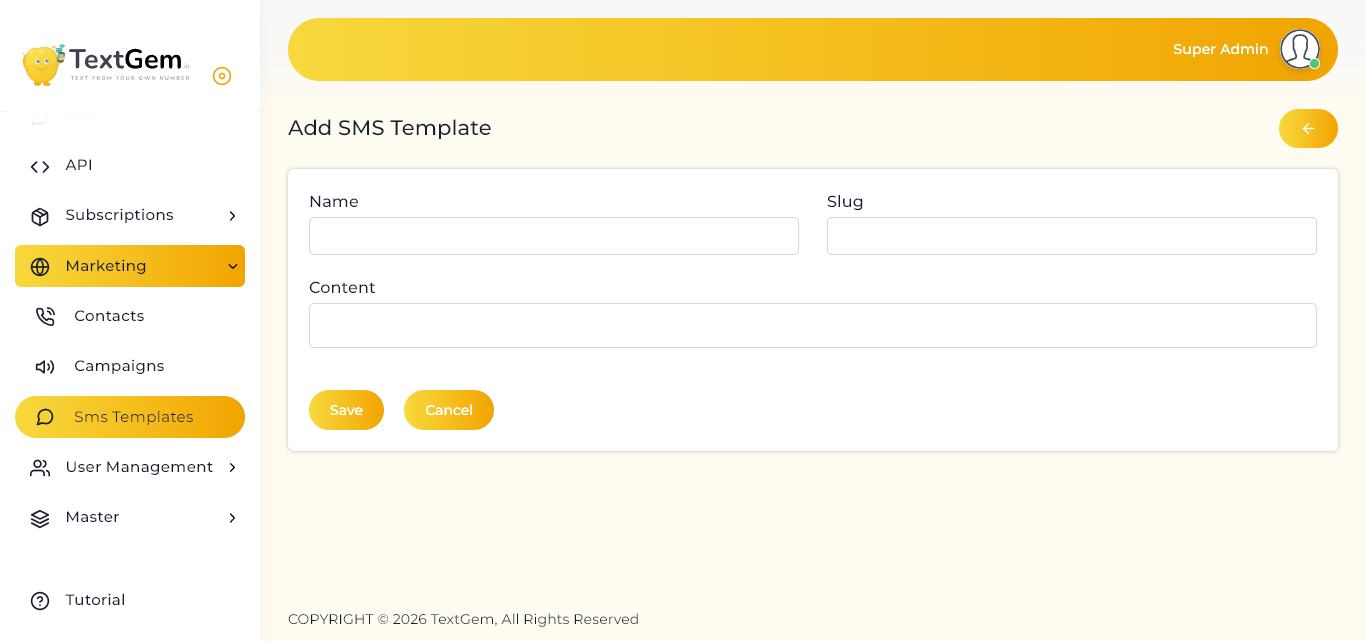
To create a new template:
Click Add SMS Template.
Enter the required template details.
Click Save to create the template.
Template Fields
Name
Enter a clear name for the template. This name helps you identify the message later.
Example:
Appointment Reminder
Slug
Enter a unique slug for the template. The slug can be used as a reference identifier when selecting or managing templates.
Example:
appointment-reminder
Content
Enter the SMS message that should be saved in the template.
Example:
Hello, this is a reminder for your appointment scheduled for tomorrow.
Saving a Template
After entering the template details:
Review the name, slug, and content.
Click Save.
The template will be added to the SMS Templates list.
Use Cancel if you do not want to save the template.
Managing Existing Templates
Once templates are available in the list, use the options in the Action column to manage them.
Depending on your access permissions, you may be able to:
Edit template details
Update message content
Remove unused templates
Best Practices
Use meaningful template names for easy identification.
Keep message content short and clear.
Use unique slugs for every template.
Review templates before using them in campaigns.
Update outdated promotional or notification messages regularly.