Managing Payments
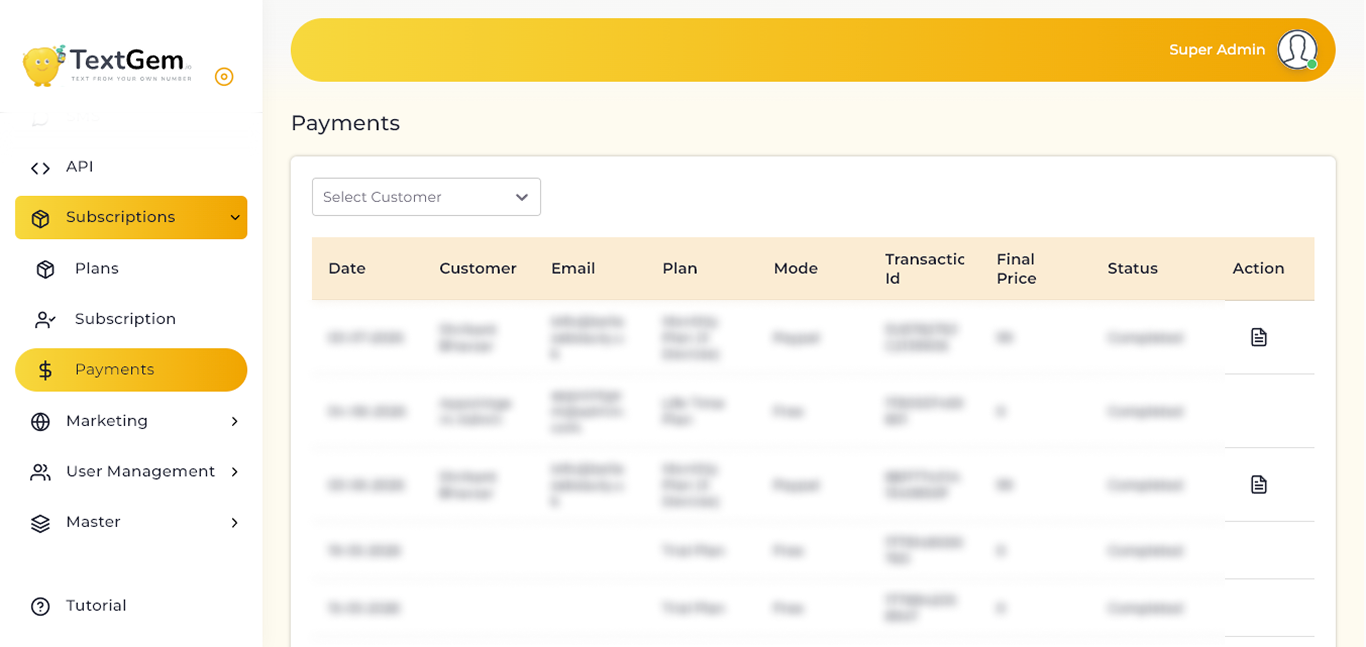
Managing Payments Overview
The Payments page displays a detailed list of all subscription payments made by customers. Administrators can filter payment records by customer, review transaction details, verify payment status, and access payment receipts or invoices when required.
Payment Records
The payment table provides complete information about every subscription transaction.
Available Information
Each payment record includes:
This information helps administrators verify successful payments and maintain accurate financial records.
Filter Payments by Customer
Use the Select Customer dropdown to display payment records for a specific customer.
To Filter Payments
Filtering records simplifies payment tracking for individual customers.
Payment Methods
The Mode column identifies the payment method used to purchase the subscription.
Common Payment Methods
This allows administrators to identify how each transaction was processed.
Transaction Details
Each payment includes a unique Transaction ID, which serves as a reference for payment verification.
Benefits
Payment Status
The Status column displays the current state of each transaction.
Common Status Values
Monitoring payment status helps ensure accurate subscription activation and billing management.
Viewing Payment Details
The Action column provides an option to view additional payment information, such as transaction details or payment receipts.
Typical Information Available
Downloading Payment Invoice
The Action column allows administrators to download the payment invoice for each completed transaction in PDF format.
To Download a Payment Invoice
Invoice Details
The downloaded PDF invoice typically includes:
Downloading invoices helps maintain payment records, simplifies billing verification, and provides customers with an official receipt for their subscription purchase.
Pagination and Record Display
The Payments page supports pagination for efficient navigation through large numbers of payment records.