Managing States
Overview
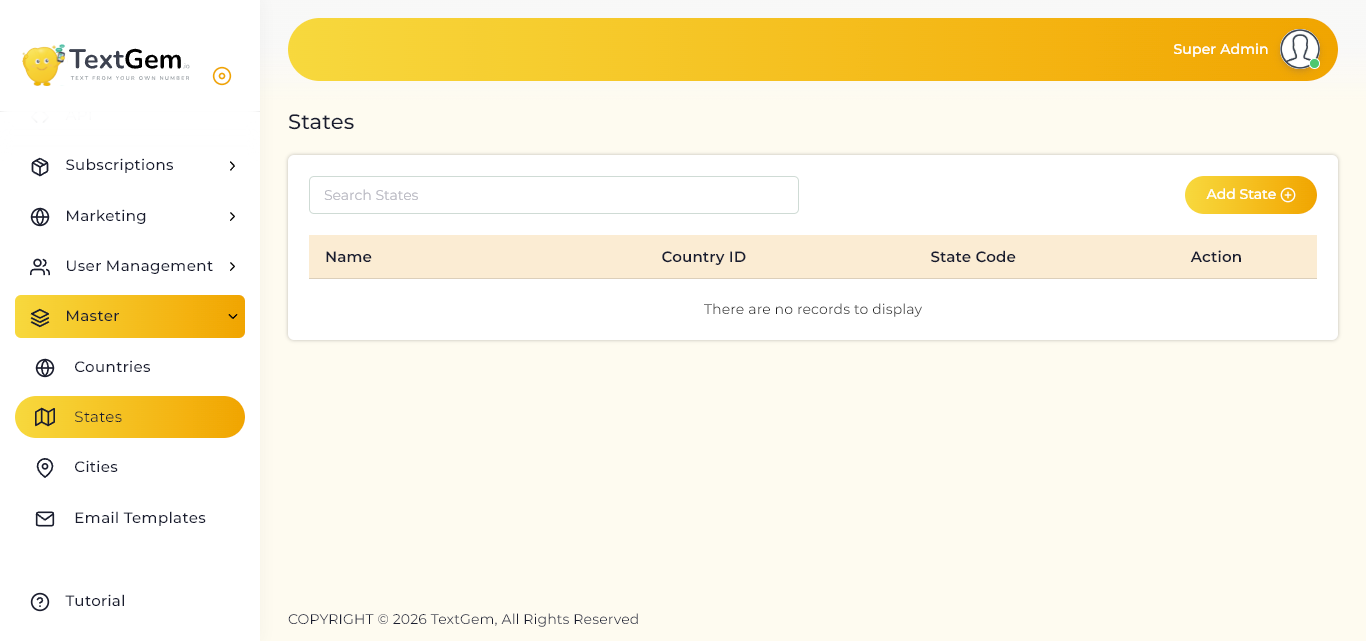
The States page provides a centralized location to view, search, add, edit, and remove state information. Each state is linked to a specific country and includes a unique state code for easy identification.
Keeping state information up to date ensures consistency and improves data organization across the system.
State List
The state table displays all available state records.
Available Information
Each state record includes:
The table enables administrators to quickly review and manage state records.
Search States
Use the Search States field to quickly locate a specific state.
How to Search
Benefits
Editing a State
Administrators can update state information whenever changes are required.
To Edit a State
Common Updates
Deleting a State
State records that are no longer required can be removed from the system.
To Delete a State
Empty State List
Note: Deleting a state may affect records associated with that location. Ensure the state is no longer required before removing it.
Empty State List
If no state records have been created, the table displays the message:
“There are no records to display.”
Use the Add State button to create your first state record.
Best Practices
Adding a New State Overview
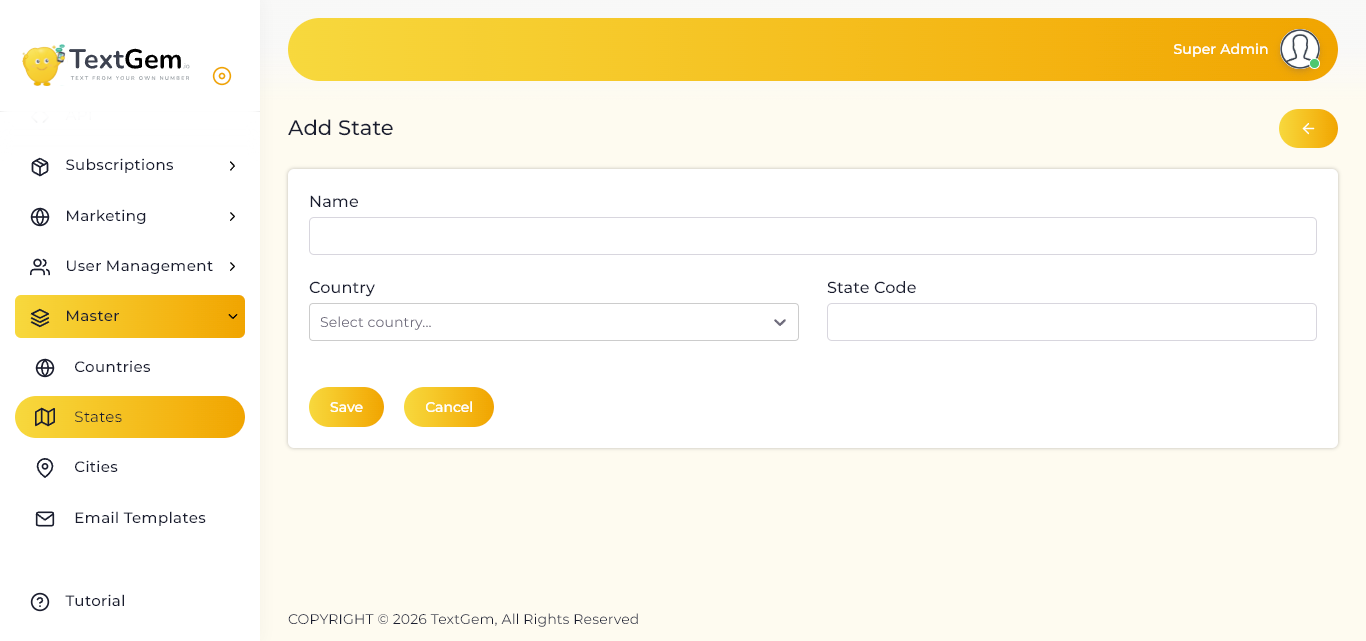
Use this page whenever a new state needs to be added to the master data. Before creating a state, ensure that the corresponding country already exists in the system.
The form includes fields for the state name, associated country, and state code.
State Information
Complete the following fields to create a new state.
State Name
Guidelines:
Country
Select the country to which the state belongs.
How to Select a Country
State Code
Enter a unique code for the state.
Examples:
Using standardized state codes helps maintain consistency across the platform.
Canceling the Operation
If you do not want to create the state, click the Cancel button to discard the entered information and return to the previous page without saving any changes.
Validation Notes
Before saving, ensure that:
If any required information is missing, the system will prompt you to complete the necessary fields.